What your co-signer does on your intake link
Walk through the bail request form your co-signer fills in, so you can guide them on the phone and know what arrives on your side.
When you share your intake link, the co-signer fills in a short, step-by-step form on their own phone or computer. This page walks through what they see, so you can help them over the phone and know what to expect when the request reaches you.
Before you start
- Send the co-signer your intake link. See Share your intake link.
- The page wears your agency's brand. The co-signer sees your agency's name, logo and colors. Vonda's name doesn't appear anywhere on it.
- Tell them to have their ID ready. The form asks for a photo of the front and back of a government-issued ID, and they can't submit without it.
What the co-signer does
Open the link and click Start
The first screen introduces your agency and explains that their information is private. They can click How it works for an overview, or Start to begin.
Verify a phone number or email
Under Where should we reach you?, they choose Text message (SMS) or Email (text message is picked by default), type their number or address, and click Continue. Vonda sends a code there, and they type it in.
This is the one contact they've proved is theirs, so every update about the request goes there from now on.
Confirm returning details (if they've used your agency before)
If they've co-signed with your agency before, they see Welcome back and their details are filled in for them. They can also pick a defendant you've helped them with before, or start fresh.
Tell you who needs help
Under Who needs help?, they enter the defendant's name, date of birth and whatever else they know about them. Only some fields are required.
Describe the arrest
Under The arrest., they pick the Facility where the defendant is being held. They can also add the charges and the bail amount if they know them.
Photograph their ID
Under Your ID, they take or upload a photo of the front and back of their ID, and line it up in the frame. Vonda reads the ID and fills in details like their name and date of birth where it can. They can change anything it filled in.
Tell you about themselves
Under About you., they fill in short cards: their relationship to the defendant, their name and ID number, their contact details, where they live, and where they work.
Review and submit
Under Review., they check everything and can edit any section. They tick the boxes confirming the information is accurate and authorizing your agency to use it (and, if they verified by text message, agreeing to receive text updates). Then they click Submit request.
What happens next
- The co-signer lands on their bail page. They see Your bail application has been submitted, then are taken to their own page for this request, where it says Request received. They get a text or email, on the contact they verified, with a link to that page.
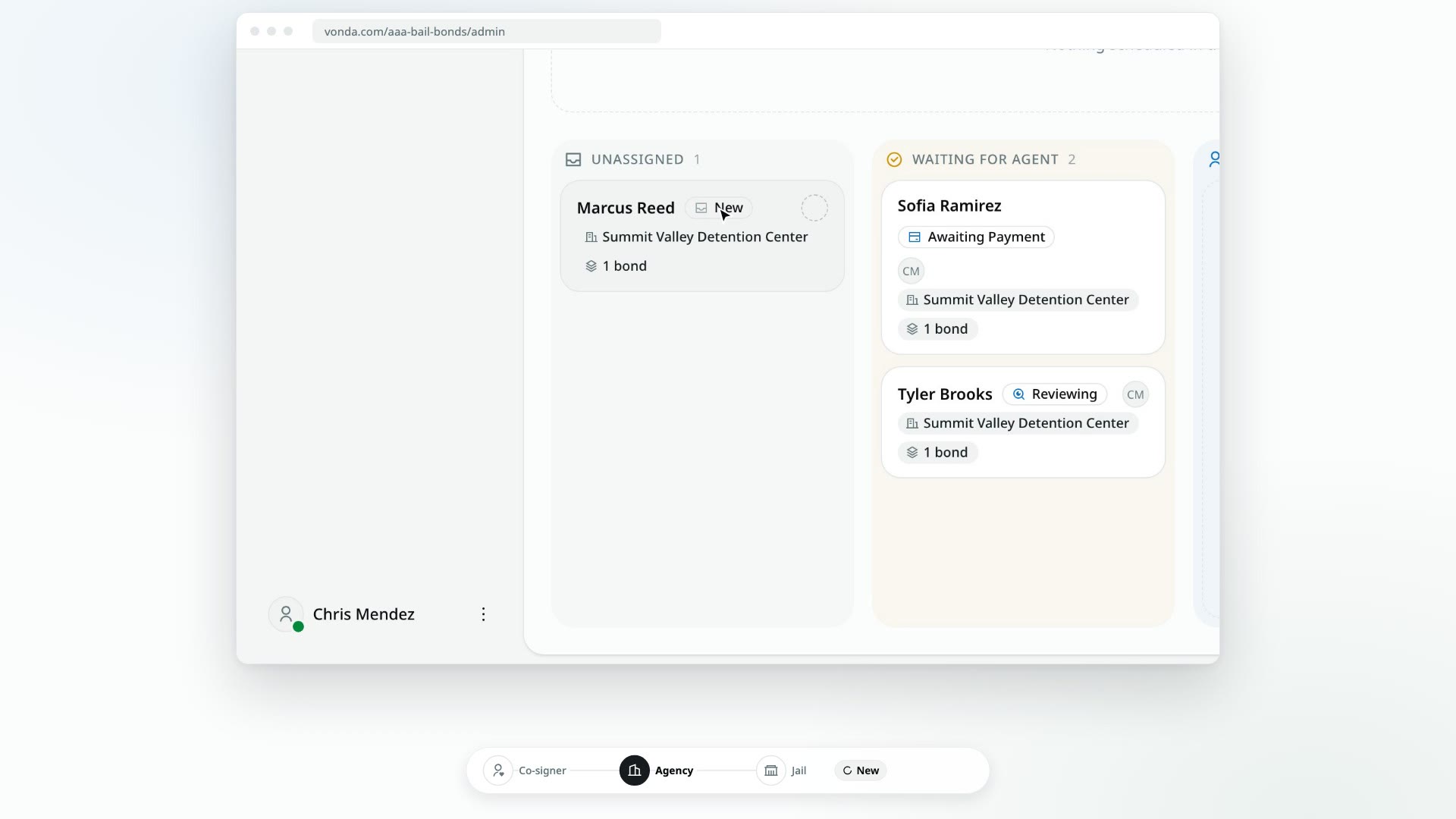
- A posting is created on your side with a New status and a Web intake badge. It holds one bond with the facility, charges and bail they entered, and your agency's active fees are added to it.
- It appears in the Unassigned lane of your Dashboard.
- Your team is told. The agents who are on duty get a message. If nobody is on duty, your admins get it.
To pick the request up, see Start the review.
If the co-signer gets stuck
If they'd rather not fill in the form themselves, you can take the details over the phone and create the posting for them. See Create a posting from a phone call.