Dashboard
Share your intake link
Copy your agency's intake link and send it to a co-signer so they can start a bail request.
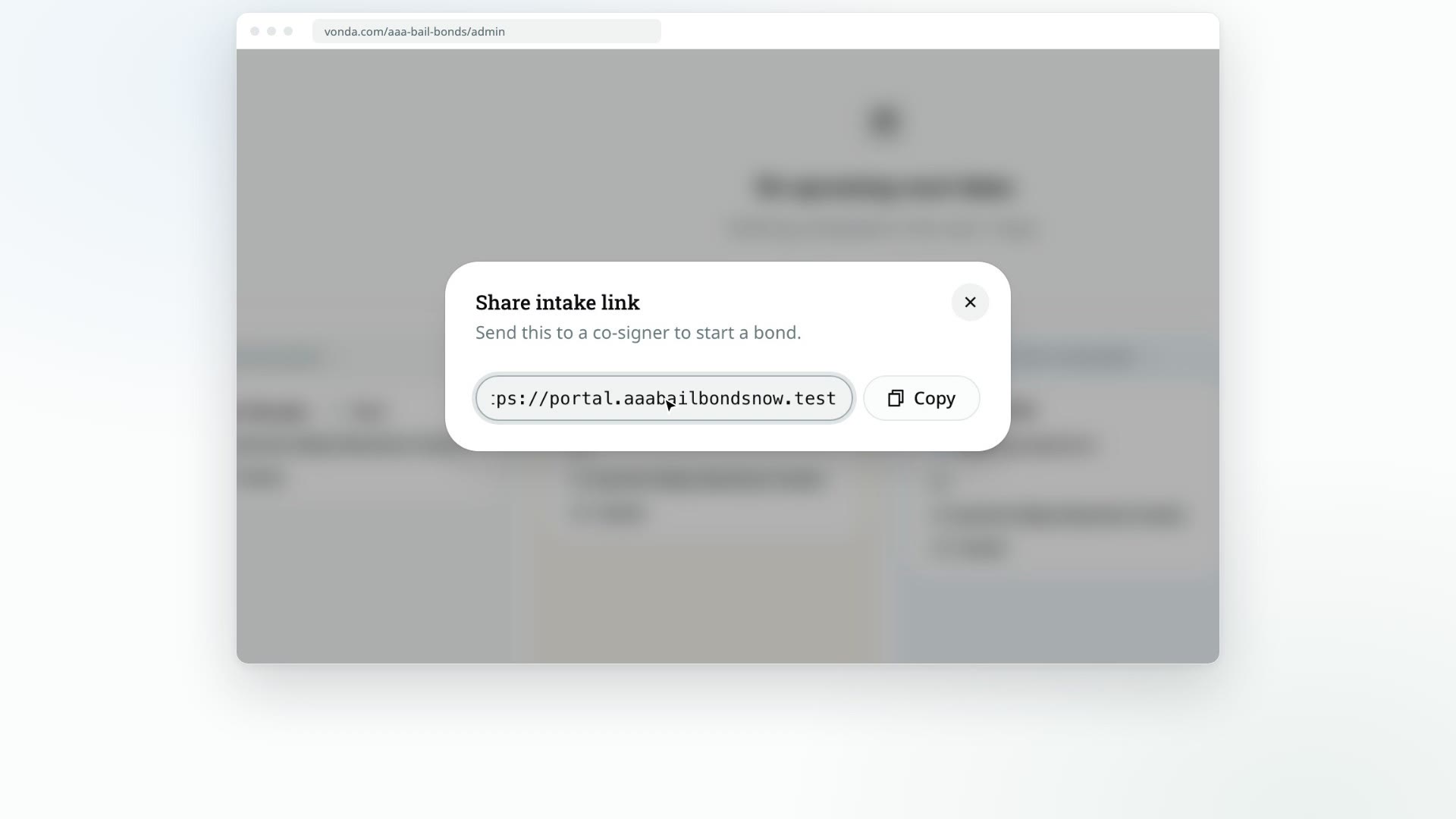
Your intake link is the web page where a co-signer starts a bail request with your agency. They fill it in on their own phone or computer, and the request lands on your Dashboard. Send it by text or email whenever someone calls asking for help.
Before you start
- Anyone on the team can share the link. The Share intake link button is on the Dashboard for every member.
- Your custom domain is used once it's verified. If your agency has set up its own domain and it's verified, the link uses that domain. Otherwise it uses your agency's Vonda address. See Custom domain.
Copy the link
Open the Dashboard
Click Dashboard in the sidebar.
Click Share intake link
The button is in the top right of the page. The Share intake link dialog opens with your agency's link.
Copy it
Click Copy, then paste the link into a text message or an email to the co-signer.
What happens next
- The co-signer opens the link and sees your agency's name and logo. They verify their phone number or email with a code, then fill in the request. See What your co-signer does on your intake link.
- A new posting appears in the Unassigned lane of the Dashboard, with a New badge, as soon as they submit.
- Your team is told. The agents who are on duty get a message about the new request. If nobody is on duty, your agency's admins get it instead. See Go on duty.
Taking the request over the phone instead?
If the co-signer would rather give you the details on a call, you can type the request in yourself. See Create a posting from a phone call.