Go on or off duty
Tell Vonda you're available, so you're alerted about new postings nobody has picked up yet.
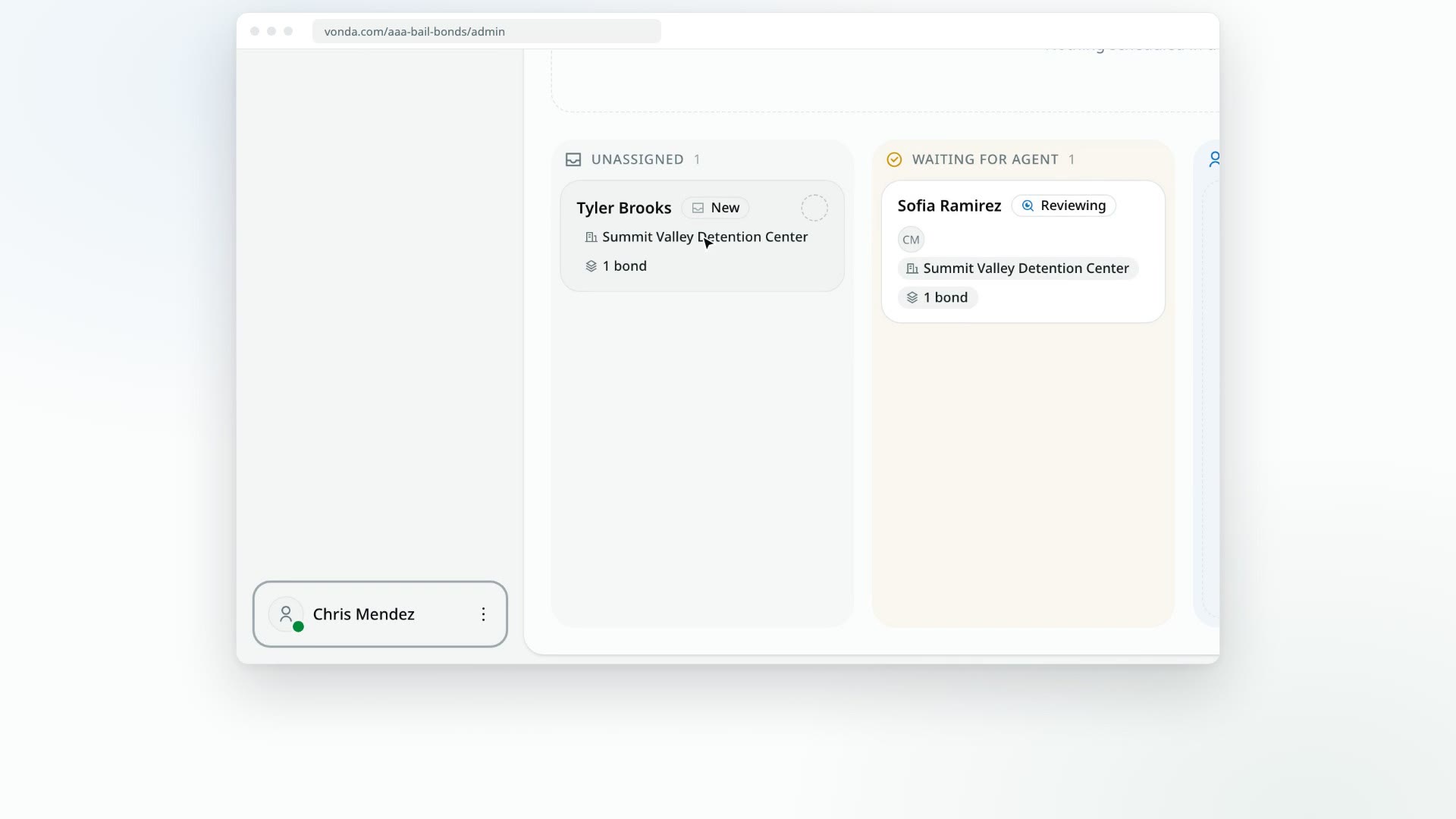
Being on duty tells Vonda you're available to pick up new work. While a posting has no assigned agent, its alerts, such as a new application from your intake page, go to everyone who's on duty. If nobody is on duty, they go to your agency's admins instead.
Postings already assigned to you keep alerting you whether you're on duty or not.
Before you start
- Admins and agents both have a duty status. It belongs to you in each agency separately, so you can be on duty at one agency and off duty at another.
- Your status is on your avatar. The small dot on your avatar at the bottom of the sidebar is green when you're on duty and grey when you're off.
Switch your status
Open your menu
Click your name at the bottom of the sidebar.
Click your status
The menu shows On duty or Off duty with a matching dot. Click it to switch. The menu stays open, so you can see it change.
Picking up a posting while off duty
If you click Start Review on a new posting while you're off duty, the dialog is titled You are off duty and says that claiming the posting also puts you on duty. Clicking Start puts you on duty, assigns the posting to you and starts the review in one step. See Start the review.
What happens next
- The Team page updates. Your Status shows On duty or Off duty to everyone in your agency. See View your team and roles.
- Alerts for unassigned postings follow your status. How they reach you depends on your notification settings. See Choose how Vonda notifies you.
- Admins can change it for you. An admin can put anyone else on or off duty from the Team page. See Manage team members.