Choose how Vonda notifies you
Get alerts about your agency's postings by email, by text message, by both, or not at all.
Vonda alerts agency staff when something on a posting needs them, for example when a co-signer sends in answers or a jail accepts a posting. You choose whether those alerts arrive by email, by text message, or both.
Before you start
- Anyone can set their own notifications. Click your name at the bottom of the sidebar, then Settings, and scroll to the Notifications card.
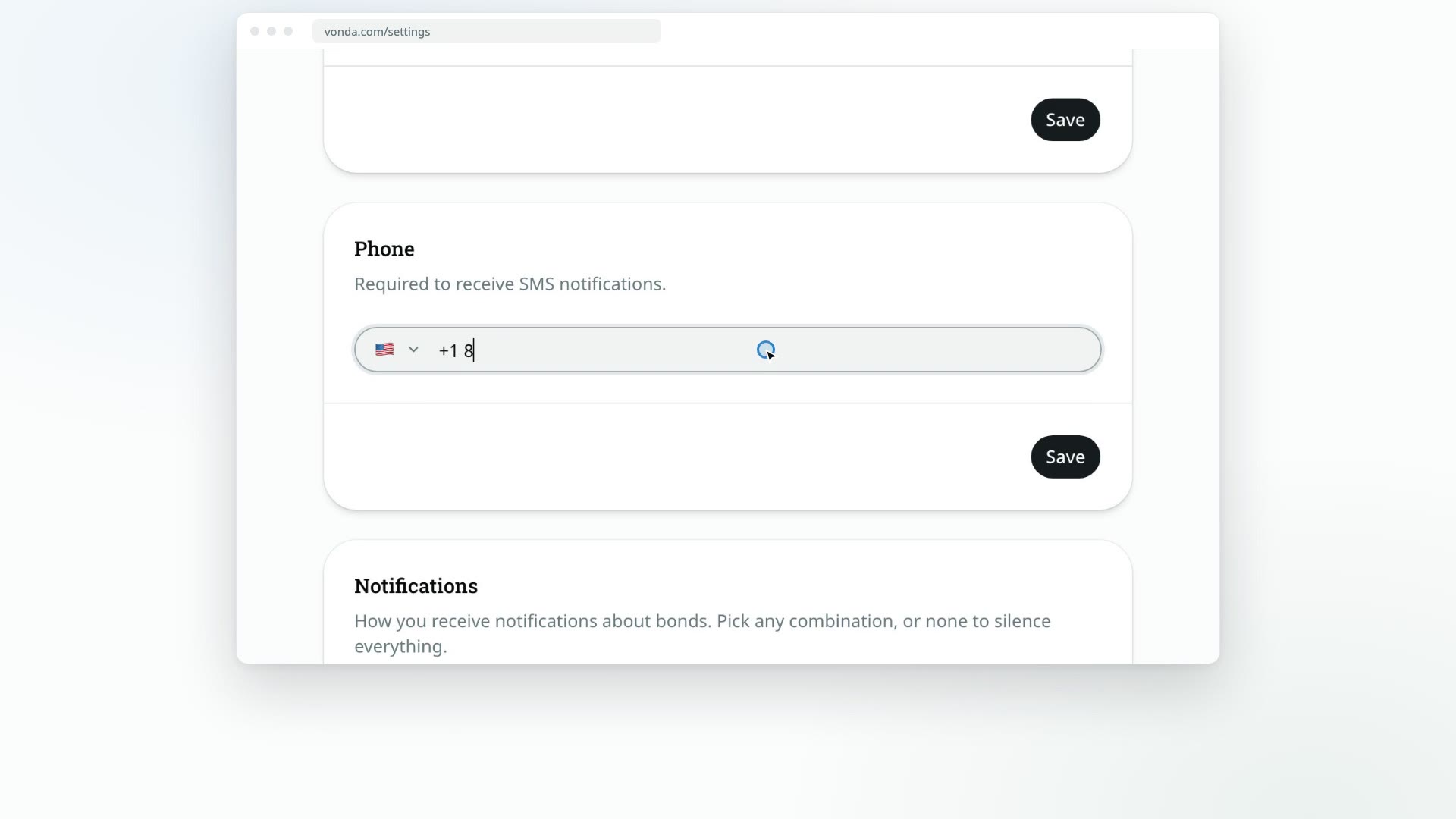
- Text messages need a phone number. Until you've saved one in the Phone card, the SMS option is greyed out and the card says Add a phone number above to enable SMS. See Edit your profile.
Pick your channels
Tick the channels you want
- Email: Receive notifications by email.
- SMS: Receive notifications by text message.
You can tick both. New accounts start with Email only.
Save
Click Save. You'll see Notification preferences updated.
Unticking both turns alerts off
If you untick both boxes, the card warns No notifications selected — you will not be notified about bond activity. Once you save, Vonda sends you nothing about postings, even ones assigned to you. Sign-in codes still arrive by email.
What you're notified about
Staff alerts cover moments where the next move is yours, such as:
- A co-signer submits a new application on your agency's intake page.
- A posting is assigned to you.
- An invited co-signer joins a posting.
- A co-signer sends back information you asked for.
- A co-signer reports a payment, or sends a new proof after one was rejected.
- A co-signer asks for a payment plan or withdraws the request, an installment goes overdue, or a plan payment arrives for an amount the plan didn't expect.
- A co-signer signs their documents.
- A jail accepts a posting, rejects it, or confirms the defendant's release.
- A court date is marked as missed.
Who gets each alert
Each alert goes to one person or group, in this order:
- The posting's assigned agent, if it has one. They get it whether or not they're on duty.
- Everyone on duty, if nobody is assigned yet.
- The agency's admins, if nobody is assigned and nobody is on duty.
The full list of who hears about what, co-signers included, is in Who gets notified.
So if you want to hear about new applications as they come in, go on duty. See Go on or off duty.
If you chose SMS but later remove your phone number, Vonda emails you instead, so you don't miss anything.