Postings
Delete a posting
Permanently remove a posting and everything recorded on it, such as a test or a duplicate.
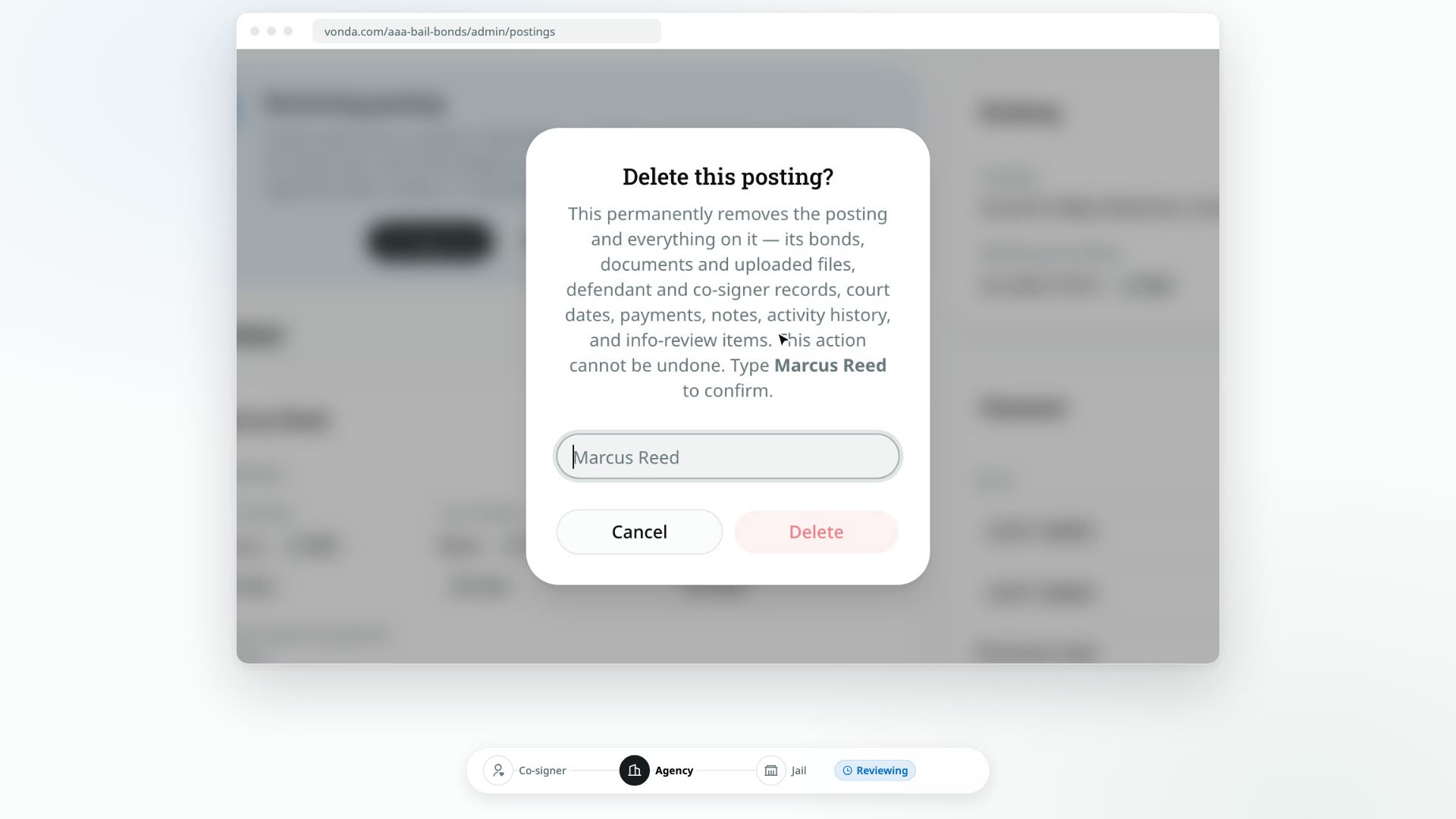
Deleting a posting removes it for good, along with everything recorded on it. Use it for postings that should never have existed, like a test or an accidental duplicate. For a request that simply didn't go ahead, close it instead so you keep the record.
Before you start
- Only admins see Delete. It's in the posting's header, or at the bottom of the header menu on a phone.
- You can't undo it. There's no trash and no restore.
- Think twice about released or archived postings. These are records your agency may need to keep. Vonda warns you before deleting one.
Delete the posting
Click Delete
Open the posting and click Delete in the header.
Type the defendant's name
In Delete this posting?, read the list of what's removed, then type the defendant's full name exactly as shown in the dialog. If the posting has no defendant name, type DELETE.
Confirm
Click Delete.
What happens next
- The posting is gone. You're taken back to the Postings page, and you'll see Posting deleted.
- Everything on it is deleted too: its bonds, documents and uploaded files, defendant and co-signer records, court dates, payments, notes, activity history and info requests.
- Nobody is notified. The co-signers' links to their bail page stop working.