Add notes and read the activity log
Leave notes for your team on a posting, and see the full history of everything that happened to it.
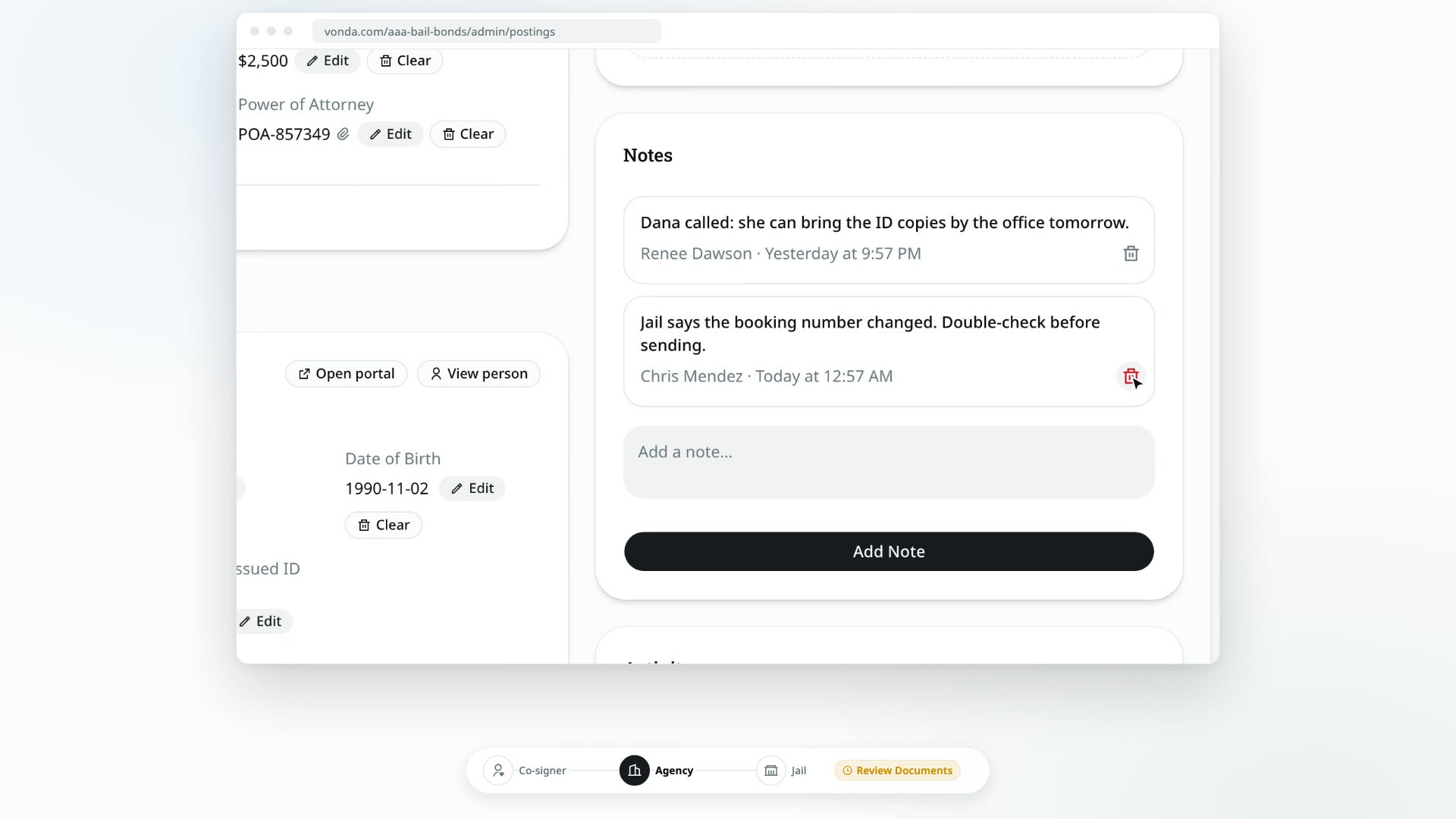
Every posting has two running records on the side of the page. Notes are what your team writes down: a call with the co-signer, something the jail said, a reminder for the next shift. Activity is what Vonda writes down on its own: every step the posting took, and who took it.
Before you start
- Anyone on the team can add and delete notes, on any posting, including postings assigned to someone else and postings that are closed or archived.
- Notes stay inside your agency. Co-signers and facilities never see them.
Add a note
Find the Notes card
On the posting page, the Notes card is in the side column, below Documents.
Write the note
Click Add a note… and type.
Save
Click Add Note. The note appears with your name and the time.
To delete a note, click the trash icon under it. It's deleted straight away, with no confirmation, so be sure first.
Read the activity log
The Activity card, under Notes, lists everything that has happened to the posting, oldest first: when it was created, who claimed or was assigned it, each status change, info requests and answers, payments, documents sent and signed, the facility's response, closing and reopening, and edits to its details. Each entry says who did it and when.
The log is read-only. Nobody can edit or delete an entry, so it's the place to check when you need to know exactly what happened. When an admin closes a posting with a reason, the reason is recorded here.