Record the power of attorney
Attach the signed power of attorney to a bond and record its number, so it goes to the jail with the paperwork.
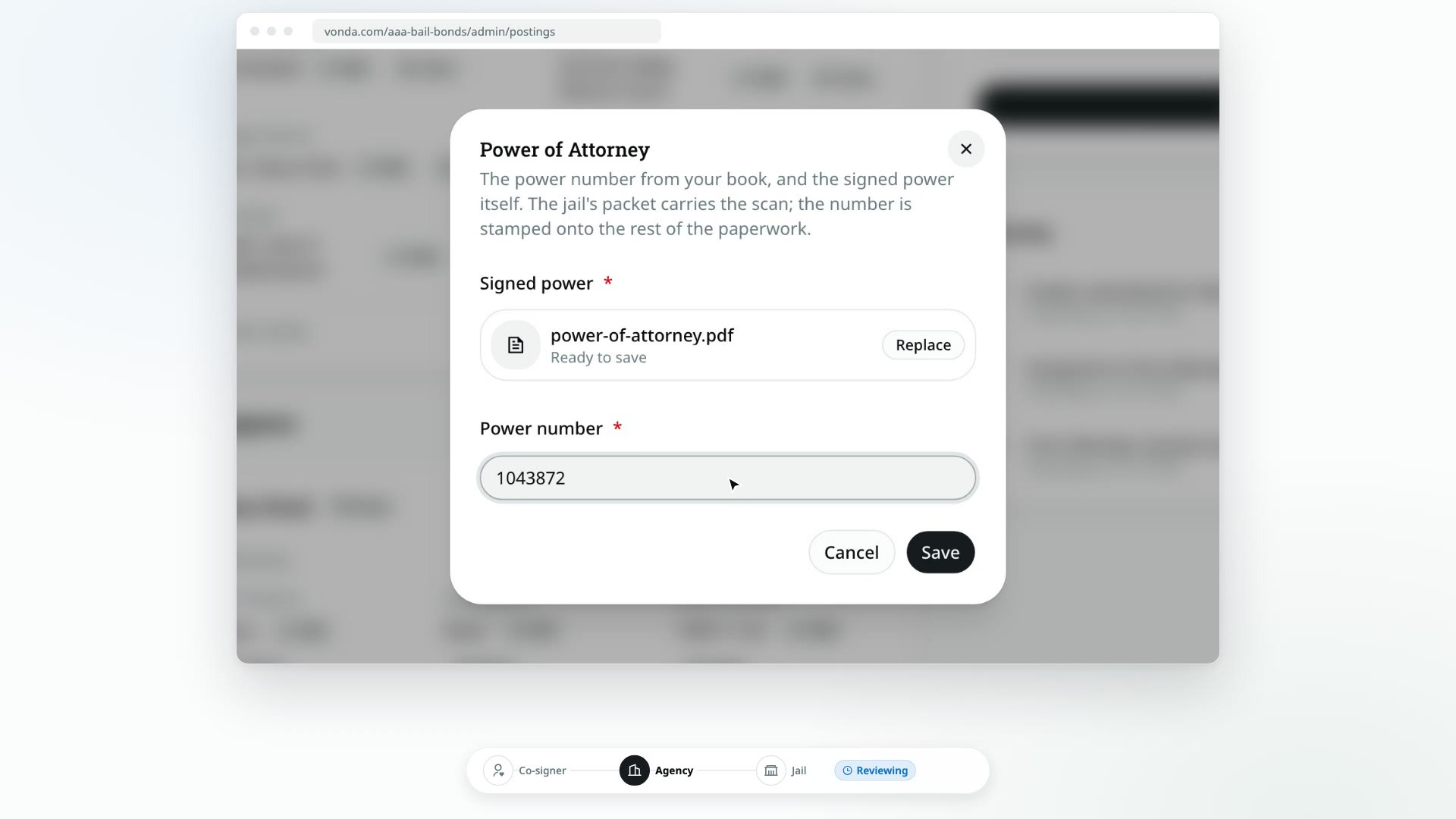
Each bond needs its own power of attorney: the signed power from your power book and its number. You record both together on the bond's card, and the scanned power travels to the jail with the rest of that bond's facility paperwork.
Before you start
- You can edit the posting. Only the posting's assigned agent or an admin sees Edit on the power of attorney.
- The posting is at a stage where details can change: Reviewing, Awaiting Co-signer, Awaiting Info, Review New Info or Review Documents.
- Have the signed power scanned as a PDF, 10 MB or smaller. Photos and other file types aren't accepted.
Record it
Open the bond's power of attorney
Under Bonds, find the bond's card. On the Power of Attorney row, click Edit.
Attach the signed power
In the Power of Attorney dialog, under Signed power, click Attach the signed power and choose the PDF. Wait until it says Ready to save.
Enter the power number
Type the number from your power book in Power number.
Save
Click Save. Both fields are required, so you can't save one without the other.
What happens next
- The bond card shows the power number with a paperclip icon, meaning the signed power is on file.
- The signed power is added to the bond's facility documents, so it goes to the jail with that bond's paperwork. The co-signer doesn't see it.
- The documents are regenerated, so any template that prints the power number shows it.
Replace or clear it
- To replace it, click Edit again, attach the new PDF and change the number if needed, then click Save.
- To remove it, click Clear, then Clear again in Clear this power of attorney?. The number is removed from the bond and the signed power is deleted.
If the power of attorney is missing when you approve, the approval dialog lists it under Missing due-diligence info. You can still approve, but the paperwork will be missing it until you record it. See Price and approve a posting.