Archive or unarchive a posting
File a posting away from your working views without telling anyone, and bring it back when you need it.
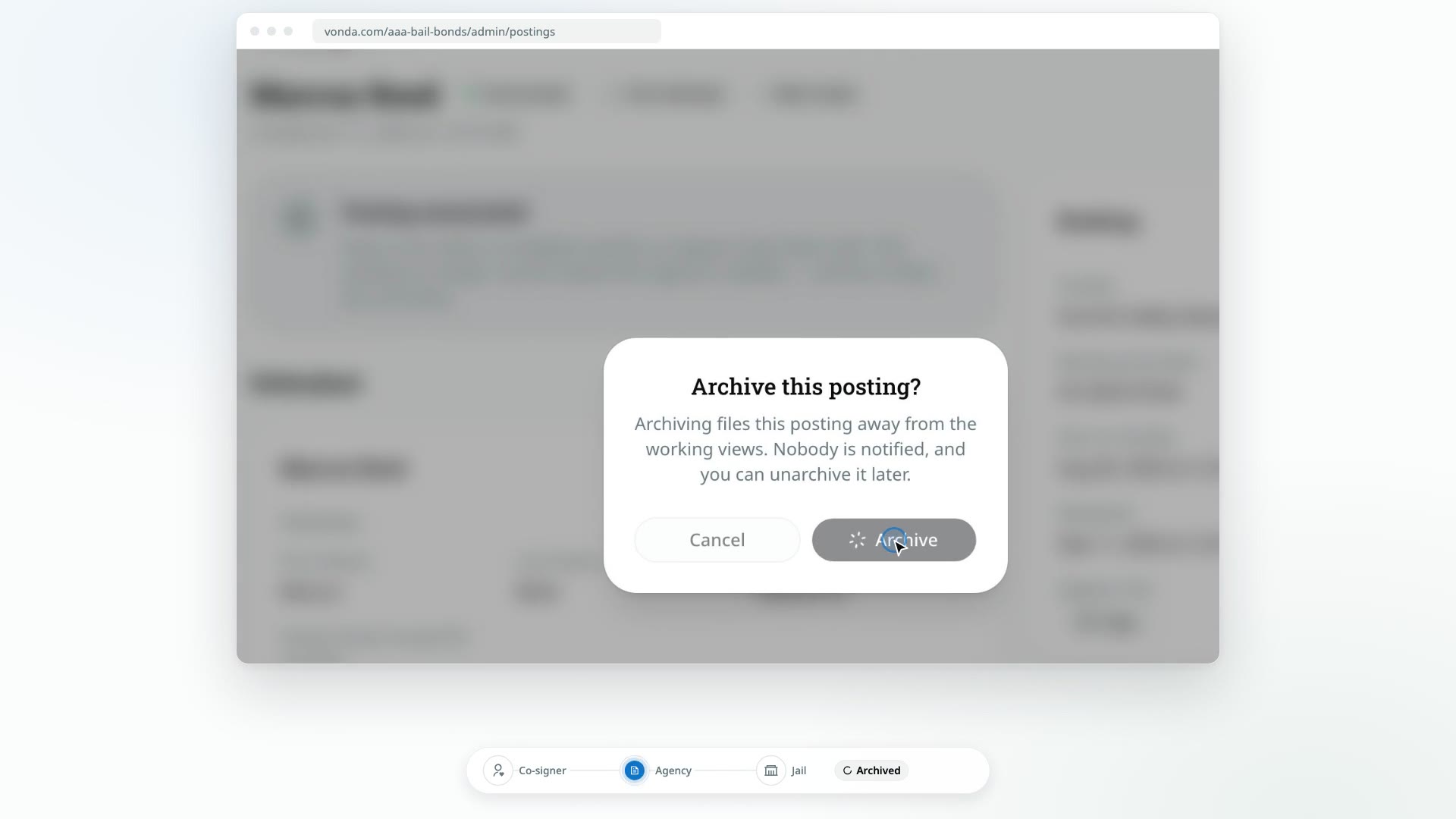
Archiving files a posting away. It disappears from the Dashboard and the working shelves, and nothing can change on it, but nothing is deleted and nobody is told. Use it to clear finished work, like an exonerated posting, out of the way.
Before you start
- Only admins see Archive and Unarchive. They're in the posting's header, or in the header menu on a phone.
- The posting isn't in the middle of something. Archive is hidden while the status is Processing Payment, Verify Payment, Review Documents, Awaiting Signature, Send to Facility, Awaiting Approval or Awaiting Release. Finish that step first.
- No collateral payment is in progress. While the co-signer's payment of collateral is Processing on the Collateral card, Archive is gone, as Close is. Confirm or reject the proof, or wait for the online payment to settle. See Request collateral.
- Its payment plan is paid off, if it has one. An archived posting can't take payments, so while a payment plan still has principal owed, clicking Archive opens This posting can't be archived yet, which says why, and its Archive button is greyed out. Archive it once the plan is paid off. See Collect installments and payoffs.
Archive a posting
Click Archive
Open the posting and click Archive in the header.
Confirm
In Archive this posting?, click Archive.
What happens next
- The posting shows an Archived badge and moves to the Archived shelf on the Postings page. It's no longer on the Dashboard.
- Nobody is notified. The co-signer's page doesn't change.
- It's frozen. Nobody can edit it or move it forward, and court dates can't be added or changed. The status card is hidden.
- The facility sees it as void. If the jail opens the posting's Appear link, it shows the bond as void.
- A released posting still counts toward your liability. Archiving doesn't end your agency's obligation, so its bail stays in Active liability on Reports until the posting is exonerated. To exonerate it, unarchive it first.
Unarchive a posting
On Postings, pick the Archived shelf and open the posting. Click Unarchive in the header, then Unarchive in Unarchive this posting?.
The posting goes back to its usual shelf and can move through its steps again. Nobody is notified.
Archive or close?
Archiving is silent. If a request isn't going ahead and the co-signer should be told, close it instead. See Close or reopen a posting.