Agency setup
Set your default premium rate
Choose the premium percentage every new bond starts at.
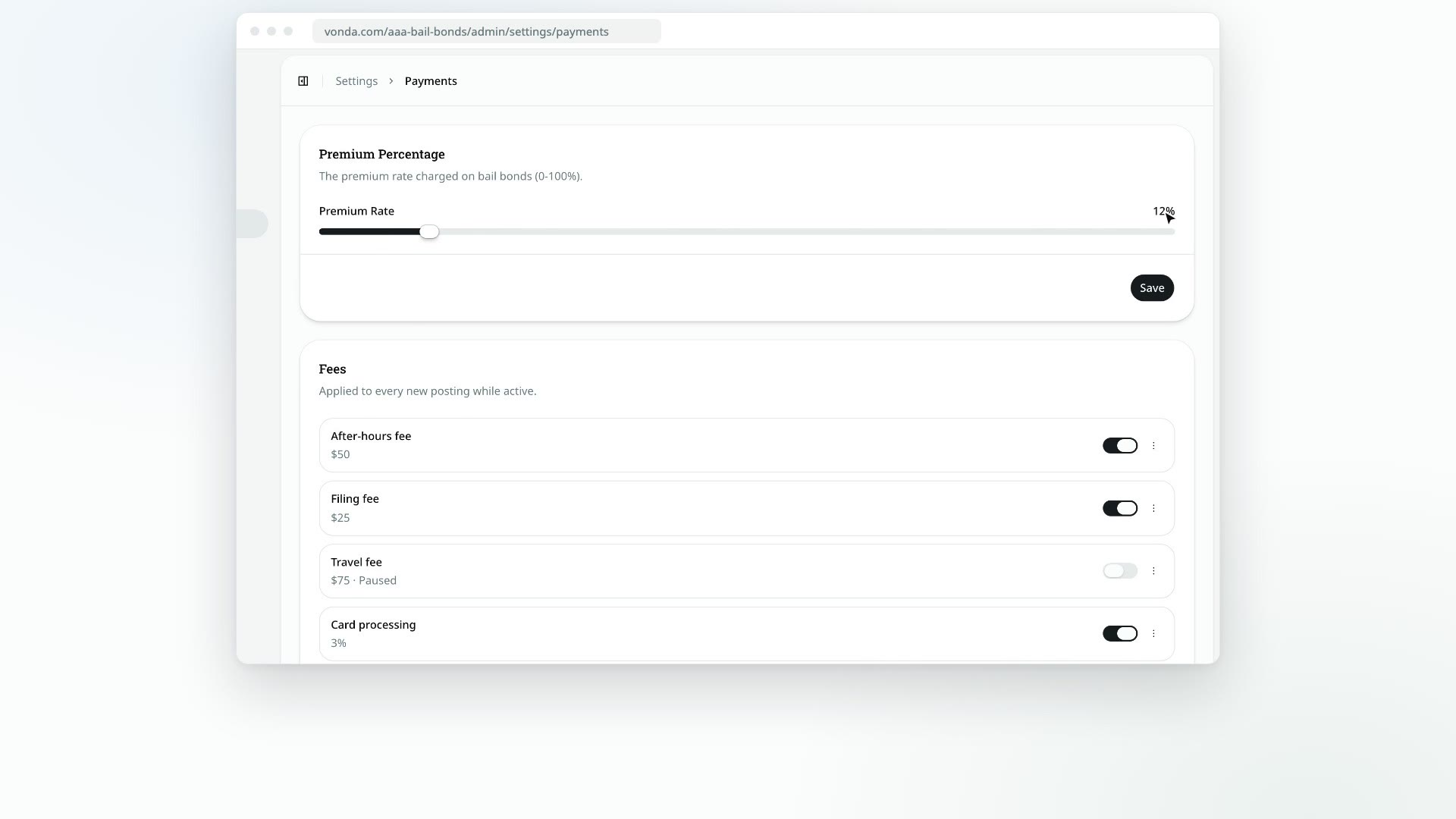
The premium is the percentage of the bail your agency charges for a bond. Your default rate is the one every new bond starts at. Agents can still change a single bond's rate before the posting is approved.
Before you start
- Only admins can change the default rate.
Set the rate
Open Payments
Click Settings in the sidebar, then Payments.
Move the slider
In the Premium Percentage card, drag the Premium Rate slider. It moves in 1% steps from 0% to 100%, and the number beside it shows the rate you've picked.
Save
Click Save. You'll see Premium percentage updated.
What happens next
- New bonds start at this rate. That includes bonds on new postings and bonds an agent adds to an existing posting.
- Existing bonds keep their rate. Changing the default never changes a price you've already set or quoted.
- Agents can adjust each bond. Before approval, the posting's assigned agent or an admin can set a different rate for any bond. See Price and approve a posting.