Update your agency info
Set your agency's name, contact details, address and license, which print on your paperwork and public pages.
Your agency info is the letterhead of everything you send. It prints on the documents Vonda generates, shows on your intake page and fills in your public policy pages. It's also where you turn on Google reviews. Fields you leave empty print as N/A on documents.
Before you start
- Only admins can change it. Agents don't see Settings in the sidebar.
- Open the section. Click Settings in the sidebar, then Agency info.
Each card saves on its own, so click the Save under the card you changed.
Update each card
Name
In the Name card, type your agency's name as clients should see it (2 to 32 characters). It shows on your intake page, in client emails, on documents and in the sidebar.
Contact
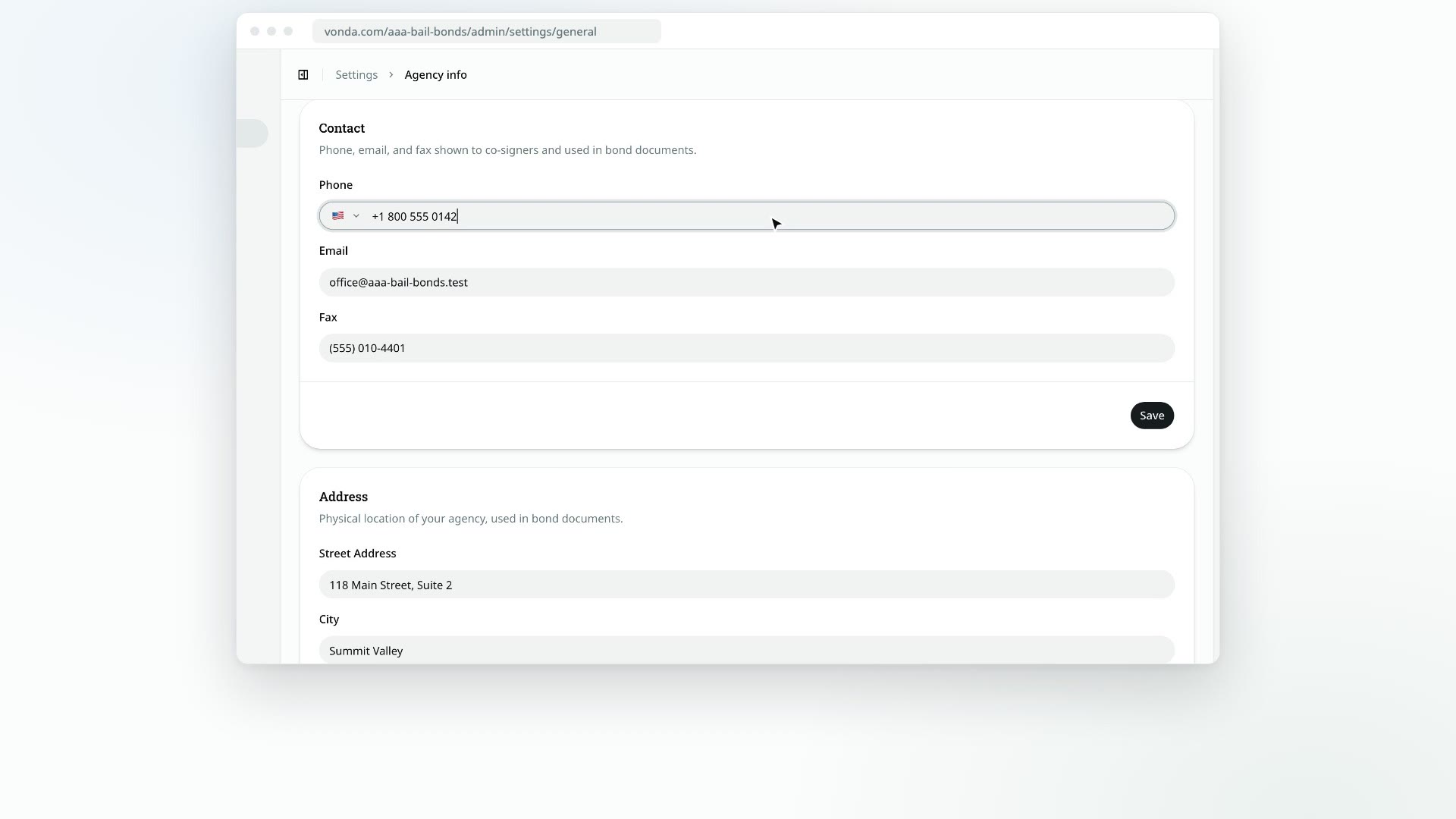
In the Contact card, fill in Phone, Email and Fax. Each one is optional. Your phone and email show on your intake page so co-signers can reach you, and all three are available to print on documents.
Google reviews
The Google reviews card, below Contact, asks every co-signer for a Google review when the defendant is released. It's off until you turn it on and add your Google review link. It has its own page: see Ask co-signers for a Google review.
Address
In the Address card, fill in Street Address, City, State and ZIP. The ZIP takes 5 digits or ZIP+4, for example 12345 or 12345-6789. The address prints on documents and in your policy pages.
Agency License
In the Agency License card, type your agency's bail bond license number. It needs at least 3 characters, letters and numbers only. It prints on documents and in your policy pages.
What happens next
- Documents pick up the new details the next time they're generated. Saving here doesn't regenerate documents that already exist. A posting's documents regenerate whenever someone edits it, so open postings catch up as your team works on them.
- Your public pages update straight away. That includes your intake page and your Terms of Service, Privacy Policy, Refund Policy and SMS Disclosure pages. See What your clients see.
Your agents' own details
Each agent's name, license number and phone come from their own profile, not from here. See Edit your profile.