Change your agency slug
Change the short name in your agency's Vonda links, such as your intake page address.
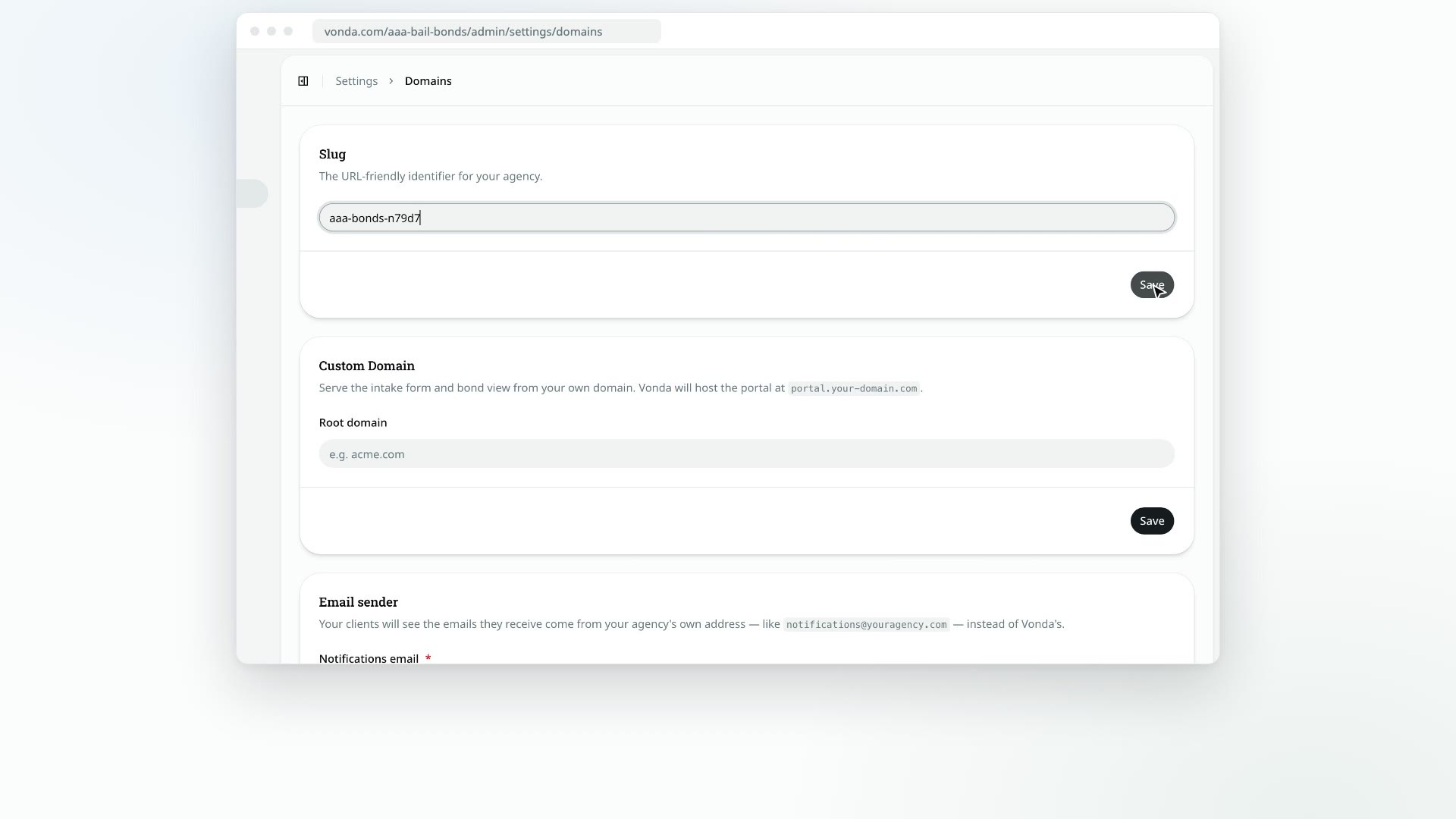
Your slug is the short name in your agency's Vonda links. If your slug is aaa-bail-bonds, your intake page is Vonda's address followed by /aaa-bail-bonds, and the links co-signers get in their messages start the same way. Your team's console uses it too.
Before you start
- Only admins can change the slug.
- Old links stop working. Any link that uses the current slug, such as an intake link you've printed or shared, and the links in messages co-signers already got, will stop opening. If you connect a custom domain, your client links use that domain instead. See Connect a custom domain.
Change it
Open Domains
Click Settings in the sidebar, then Domains.
Type the new slug
In the Slug card, type the new slug and click Save. Use lowercase letters, numbers and hyphens only.
Confirm
The Change agency slug? dialog reminds you that existing links will stop working. Click Change Slug.
If the slug is taken, you'll see An agency with this slug already exists. A few words are kept for Vonda's own pages; those show This slug is reserved. Pick another one.
What happens next
- Vonda moves you to the new address. You'll see Agency slug updated. and the settings page reloads under the new slug.
- Share your intake link again. Copy the new link from Share intake link on the Dashboard (see Share your intake link) and replace it anywhere you've posted the old one.
- Update your bookmarks. Bookmarks to your console use the old slug.