Reject a submission
For facility staff. Send a bail bond submission back to the agency with a reason, or report suspected fraud.
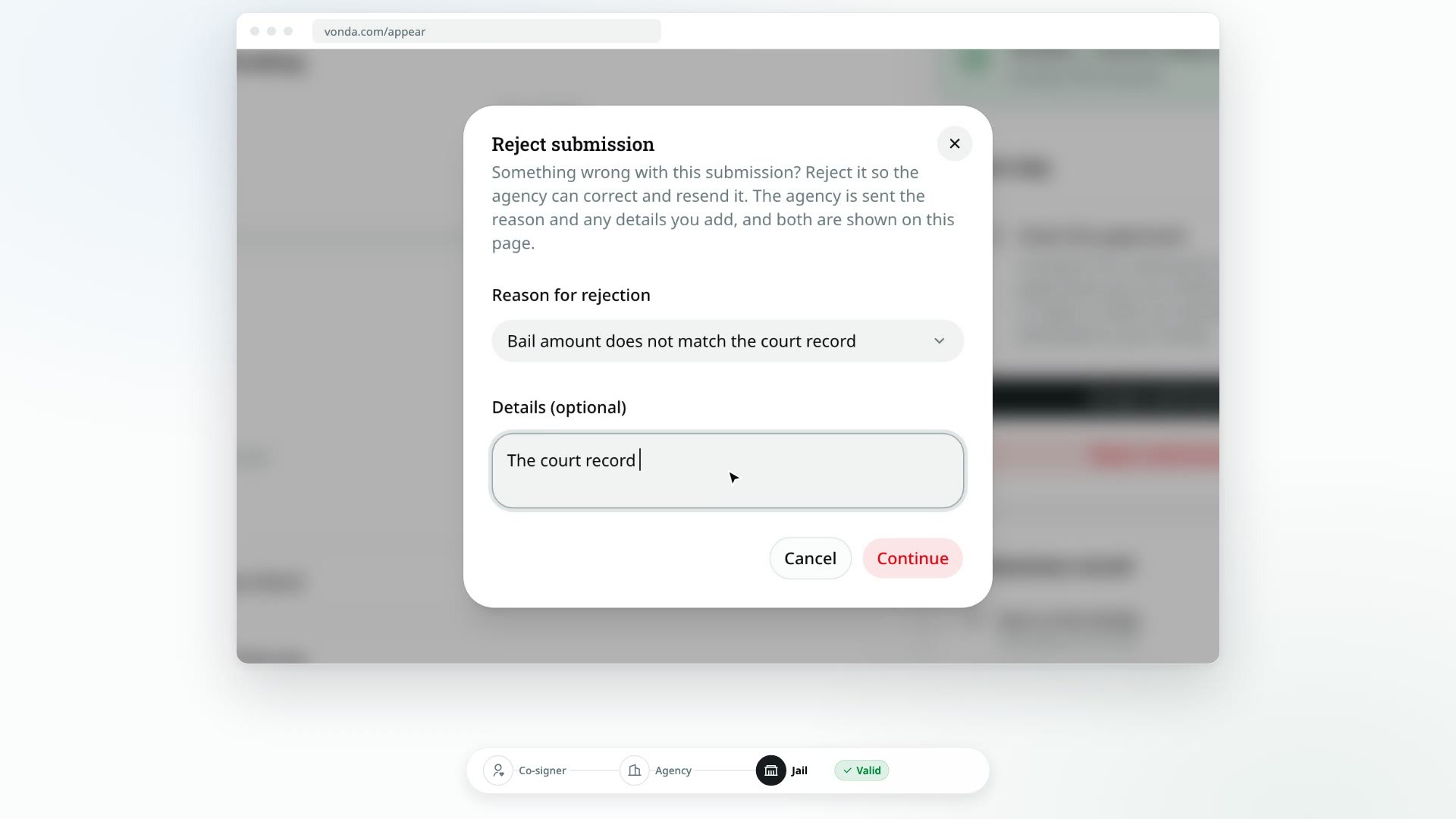
If something about a submission is wrong, reject it. The agency is told why, corrects it and sends it again. If you think the submission is fraudulent, you can report it to Vonda support at the same time.
Before you start
- The submission is Valid. You can't reject a submission your facility has already accepted.
- You've entered your facility PIN. See Enter your facility PIN.
Reject it
Click Reject submission
In the Next step card, click Reject submission. The Reject submission dialog opens.
Pick a reason
Under Reason for rejection, choose the one that fits best:
- Bail amount does not match the court record
- Defendant information incorrect
- Case or charge mismatch
- Power of attorney issue
- Agency or agent not authorized
- Defendant has a hold
- Suspected fraud
- Other
Add details
Use Details to explain what's wrong, for example which amount doesn't match. Details are optional for most reasons, and required for Other and Suspected fraud. For every reason except Suspected fraud, what you write here is sent to the agency along with the rejection and shown on this page.
Review and confirm
Click Continue. The confirmation shows the reason, your details, and how the rejection will be recorded: your facility's name and the time. Click Yes, reject submission.
To change something first, click Back. Your reason and details are kept.
If you see Could not reject the submission. Try again, or contact the agency., the rejection didn't go through. Try again.
What happens next
- The status changes to Rejected. The banner reads Submission rejected, with the reason and your details (unless the reason is Suspected fraud), and a reminder not to release the defendant on it until the agency corrects and resends it. The Submission record shows Rejected by the facility, with the reason.
- The agency is told. The agent handling the bond is notified of the reason and your details, so they can fix it. For Suspected fraud, they're told only the reason.
- The agency corrects it and sends it again. While they work on it, the page shows Being updated by the agency. When they resend it, it's back to Valid at the same link, ready for you to review again.
Reporting suspected fraud
If you choose Suspected fraud, Vonda support is alerted directly, and the rejection still goes back to the agency. What you write in Details goes only to Vonda support, as the note under the field says: the agency sees just the reason, and nothing you write is shown on the Appear page, so it won't be visible to anyone else who opens the link.