Mark the defendant released
For facility staff. Record the moment the defendant walks out, so the agency and the family know right away.
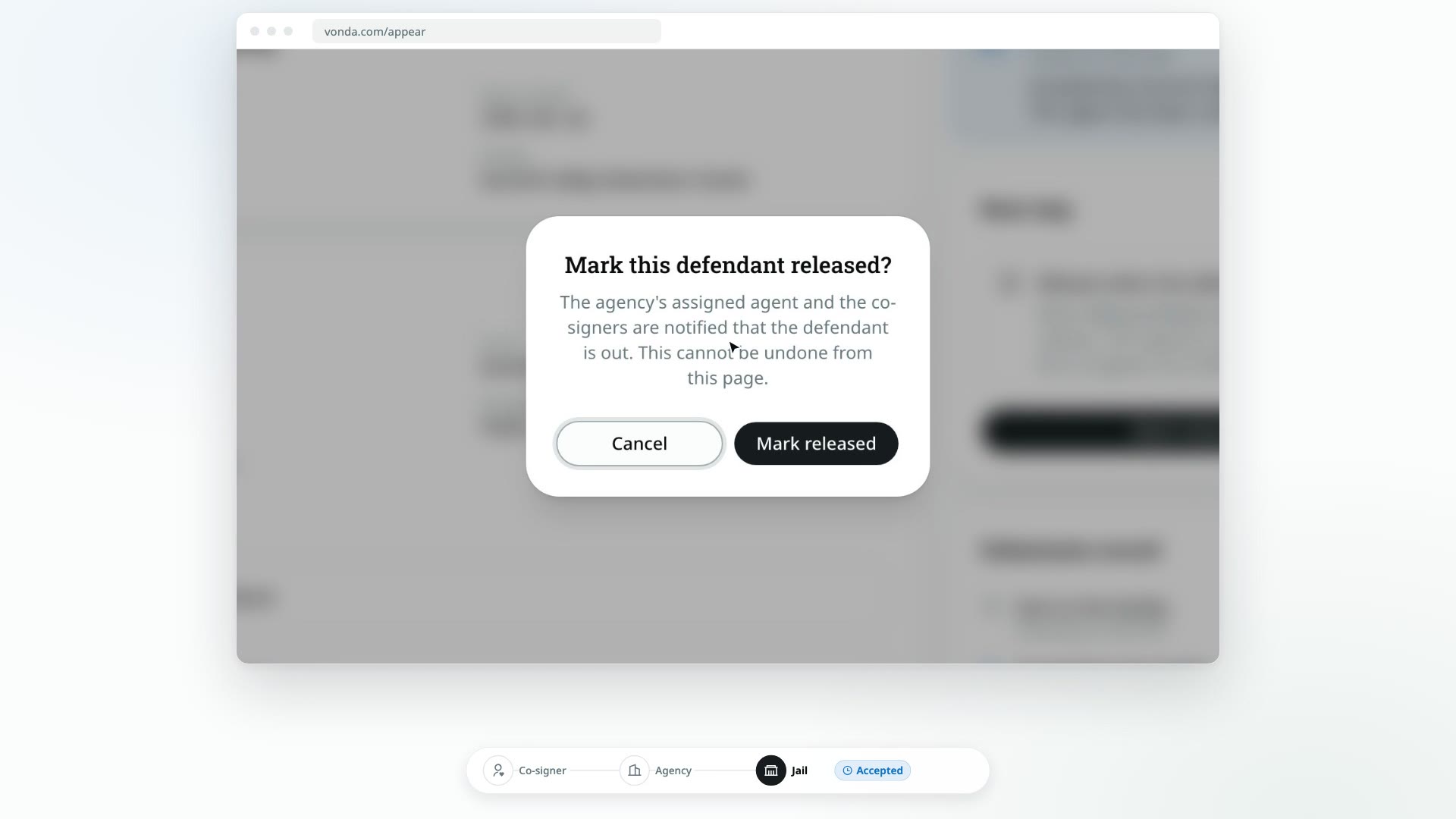
When the defendant walks out, record the release on Appear. The agency and the defendant's co-signers are told at once, so nobody has to call your desk to ask.
Before you start
- Your facility has accepted the submission. The status is Accepted. If it still says Valid, accept it first.
- You've entered your facility PIN. See Enter your facility PIN.
- The defendant is actually out. Record the release when it happens, not before.
Mark released
Click Mark released
In the Next step card, under Release when the defendant walks out, click Mark released.
Confirm
The Mark this defendant released? dialog explains who will be told, and that this can't be undone from the page. Click Mark released.
What happens next
- The status changes to Released. The banner reads Released and confirms Agent notified and Co-signers notified. The Submission record shows Defendant released with the time.
- The agency and the family are told. The agent handling the bond and every co-signer on it are notified that the defendant is out.
- There's nothing more to do. The Next step card goes away.
If you recorded the release by mistake, contact the agency. It can't be undone from the Appear page.
If the agency records the release first
The agency can also record the release on its side. If it does, the page shows Released without your facility having to do anything, and the banner says Recorded by the agency instead of Agent notified.