Enter your facility PIN
For facility staff. Unlock the actions on a submission with your facility's 6-digit PIN.
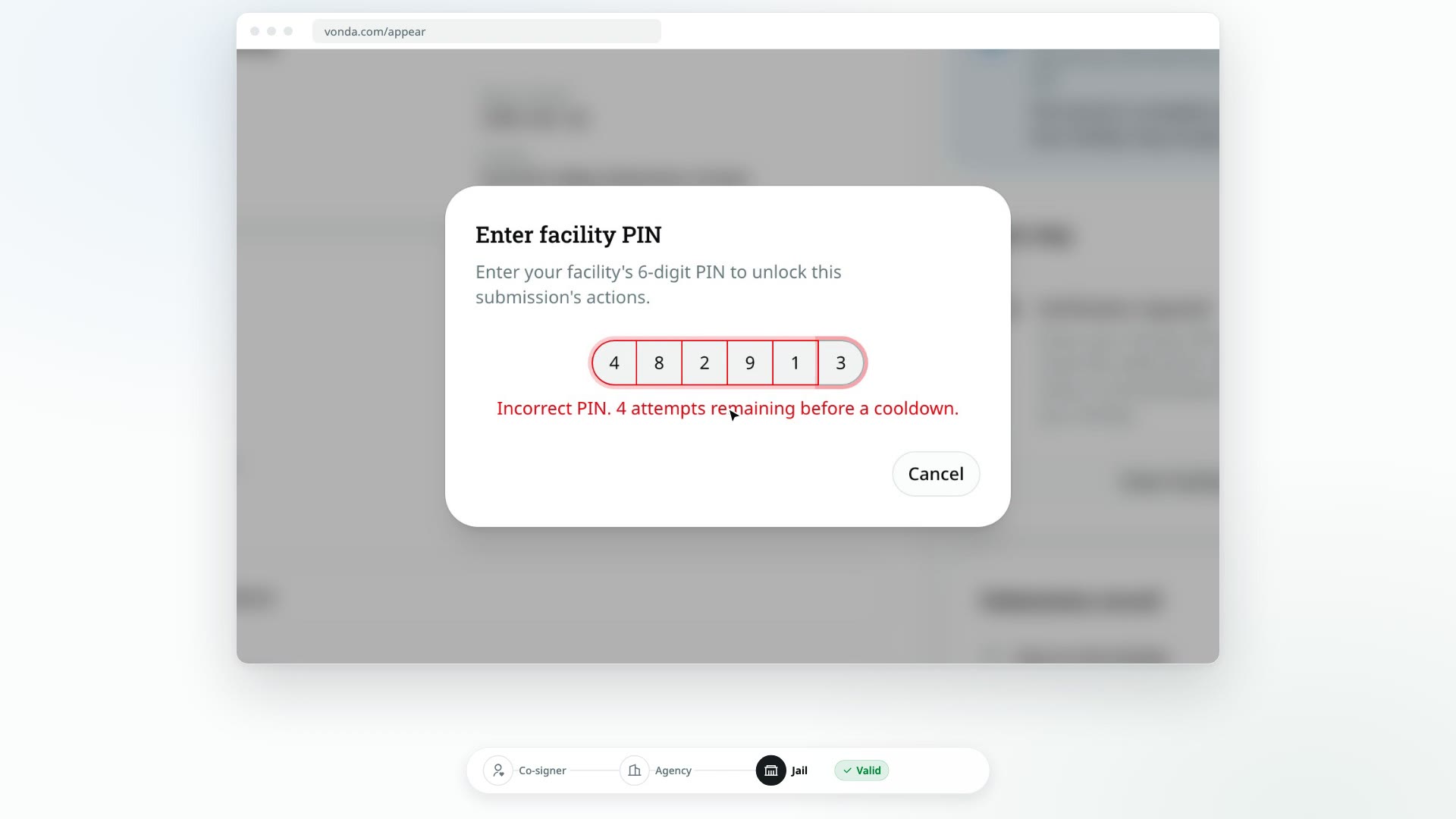
Reading a submission is open to anyone with the link, but accepting it, rejecting it and marking the defendant released all take your facility's PIN. Enter it once on the page, and the actions appear.
Before you start
- You need your facility's 6-digit PIN. Vonda issues it to your facility. Agencies never see it. If you don't have it, ask whoever at your facility handles release decisions.
- The submission needs an answer. The Next step card, where you enter the PIN, only shows while the submission is Valid or Accepted.
Enter the PIN
Click Enter facility PIN
In the Next step card, under Verification required, click Enter facility PIN.
Type the PIN
In the Enter facility PIN dialog, type your 6-digit PIN. It's checked as soon as you type the last digit.
Once the PIN is accepted, the banner on the right says Verified, followed by your facility's name, with Facility PIN entered underneath. The Next step card now shows what you can do:
- On a Valid submission: Accept submission and Reject submission. See Accept a submission and Reject a submission.
- On an Accepted submission: Mark released. See Mark the defendant released.
If the PIN doesn't work
- Incorrect PIN. The dialog says how many attempts you have left before a cooldown. Check the PIN and try again.
- Too many incorrect attempts. After five wrong entries in a row, you have to wait before trying again. The dialog counts down the seconds. The wait gets longer with each further wrong entry.
- Could not reach the server. The PIN wasn't checked, so no attempt was used. Check your connection and type it again.
If you're sure the PIN is right and it still fails, contact Vonda to have it checked.
Safe on a shared computer
The page only keeps your PIN while it's open. Nothing is saved on the computer. If you refresh the page or close it, it locks again, and the next person has to enter the PIN themselves.