Facility handoff
Share the Appear link
Copy a sent posting's Appear link so you can give it to the jail directly, for example when an email didn't arrive.
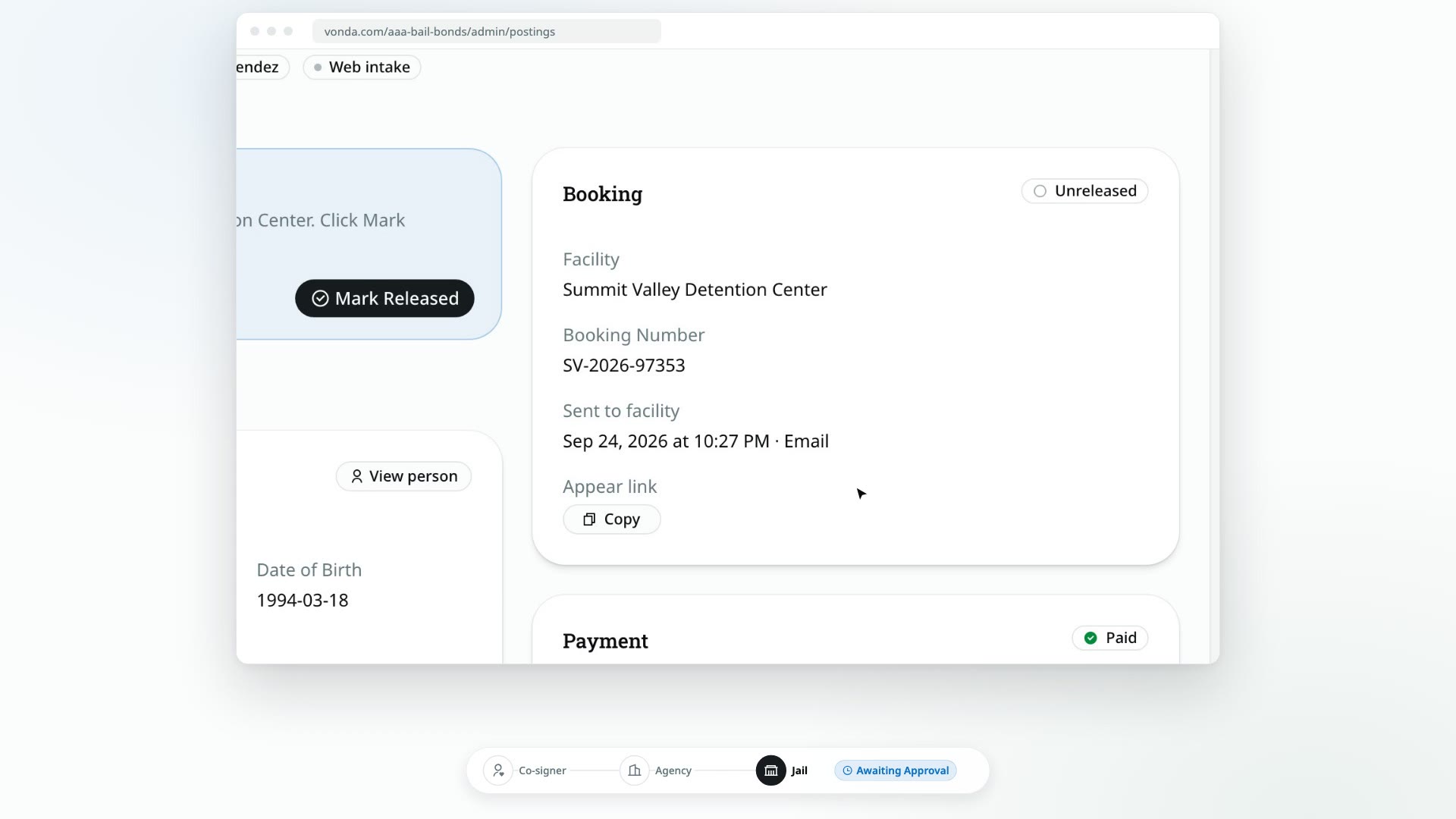
Every posting you send to a facility gets its own Appear page. It's where jail staff read the facility documents and accept, reject or release the bond. The link is the jail's way in, so if the email went missing or the jail asks for it over the phone, you can copy it and pass it on.
Before you start
- You can edit the posting. Only the posting's assigned agent or an agency admin sees the Appear link.
- The posting has been sent to the facility, by email or marked as sent. Before that, there's no link. See Email the posting to the facility or Mark the posting as sent.
Copy the link
Find the Booking card
Open the posting and go to the Booking card. Below the facility, the booking number and the date it was sent, you'll see Appear link.
Click Copy
Click Copy. The link is now on your clipboard.
Give it to the jail
Paste it into an email or a message to the facility, or read it out over the phone.
Good to know
- Each posting has one link, and it doesn't change. It stays the same even if the jail rejects the posting and you send it again.
- The link only lets someone read the posting. To accept, reject or release it, jail staff also need their facility's PIN. Don't share the link with anyone other than the jail.