Review a person's change history
See every change made to a person's details, who made it, and on which posting.
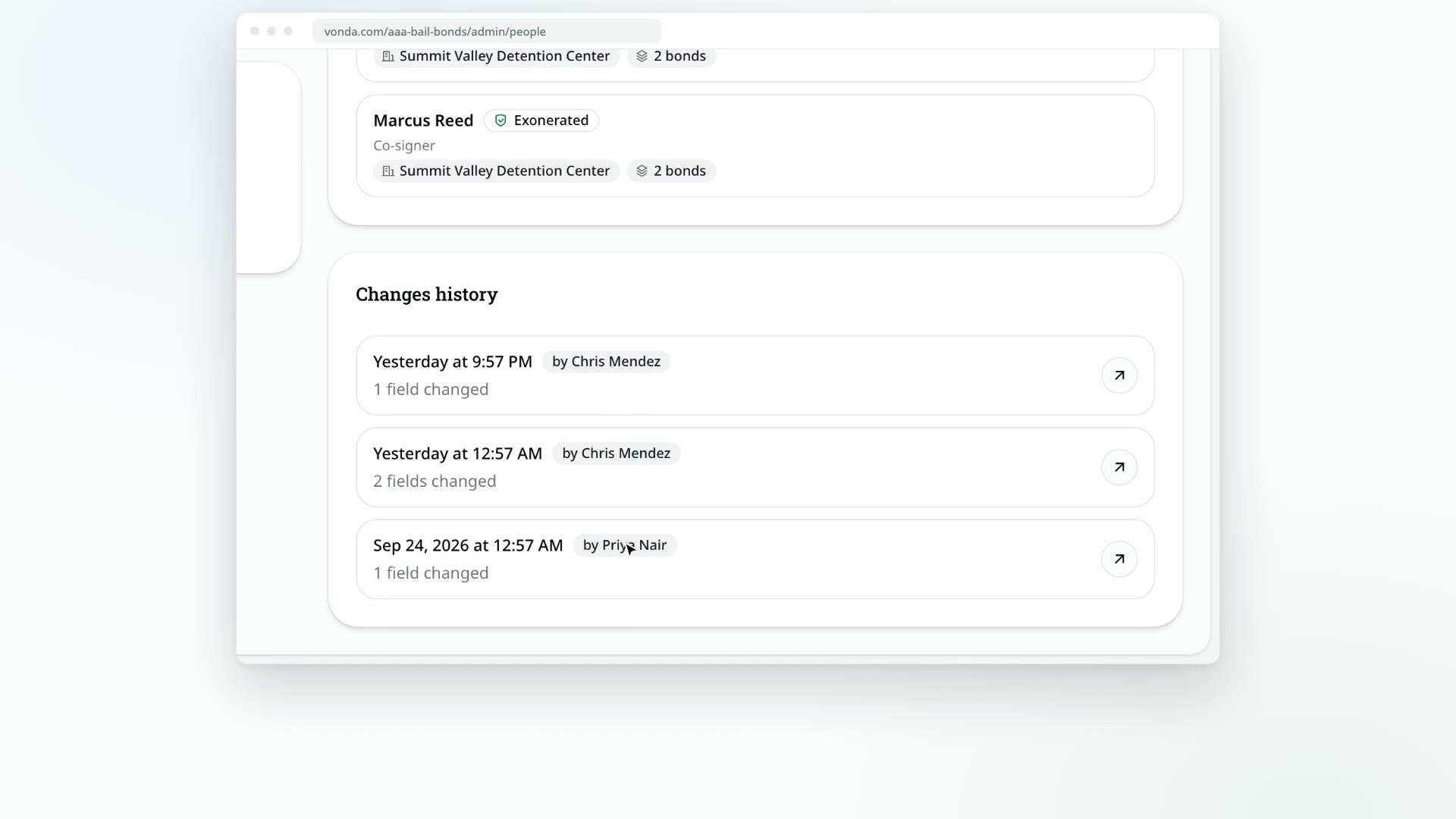
Every time someone's details change, Vonda keeps a record of it: what changed, from what to what, who made the change and when. Use it to see why an address is different from last time, or who corrected a phone number.
Before you start
- Anyone in your agency can read it. The history is read-only.
- Only real changes are recorded. Saving a field without changing it doesn't add an entry.
Read the history
Open the person's profile
Go to People and click the person's name, or click View person on their card in a posting.
Find Changes history
Scroll to the Changes history card. Each entry shows when the change happened, how many fields changed, and where the change came from:
- by an agent's name: someone at your agency edited it on a posting.
- via intake: the person gave new details when they started another bail request.
- via info request: they answered one of your information requests.
- merged by an agent's name: the details changed because two records were merged.
Open an entry
Click the arrow on an entry. The Change details dialog lists each field that changed, with its old value and its new value, and a link to the posting it was recorded on.
If nothing has changed yet, the card says No changes recorded yet.