After release
Edit or remove a court date
Move a hearing to a new date or time, rename it, or take it off the calendar.
Courts reschedule. When a hearing moves or is cancelled, change it in Vonda so the co-signers hear about it and their reminders follow the new date.
Before you start
- You can edit the posting. Only the posting's assigned agent or an agency admin sees the menu on a court date. Everyone else sees the date without it.
- The posting shows Released, Awaiting Court Date, Mark Attendance or Exonerate. Once a posting is exonerated, closed or archived, its court dates can't be changed.
- You can reach the menu from three places: the bond's card on the posting, the Calendars page, and Upcoming court dates on the Dashboard. On the Dashboard, a card that combines two bonds with a hearing at the same time has no menu. Open the posting to edit each bond's date there.
Edit a court date
Open the date's menu
Find the court date and click the three-dot menu at its end.
Choose Edit
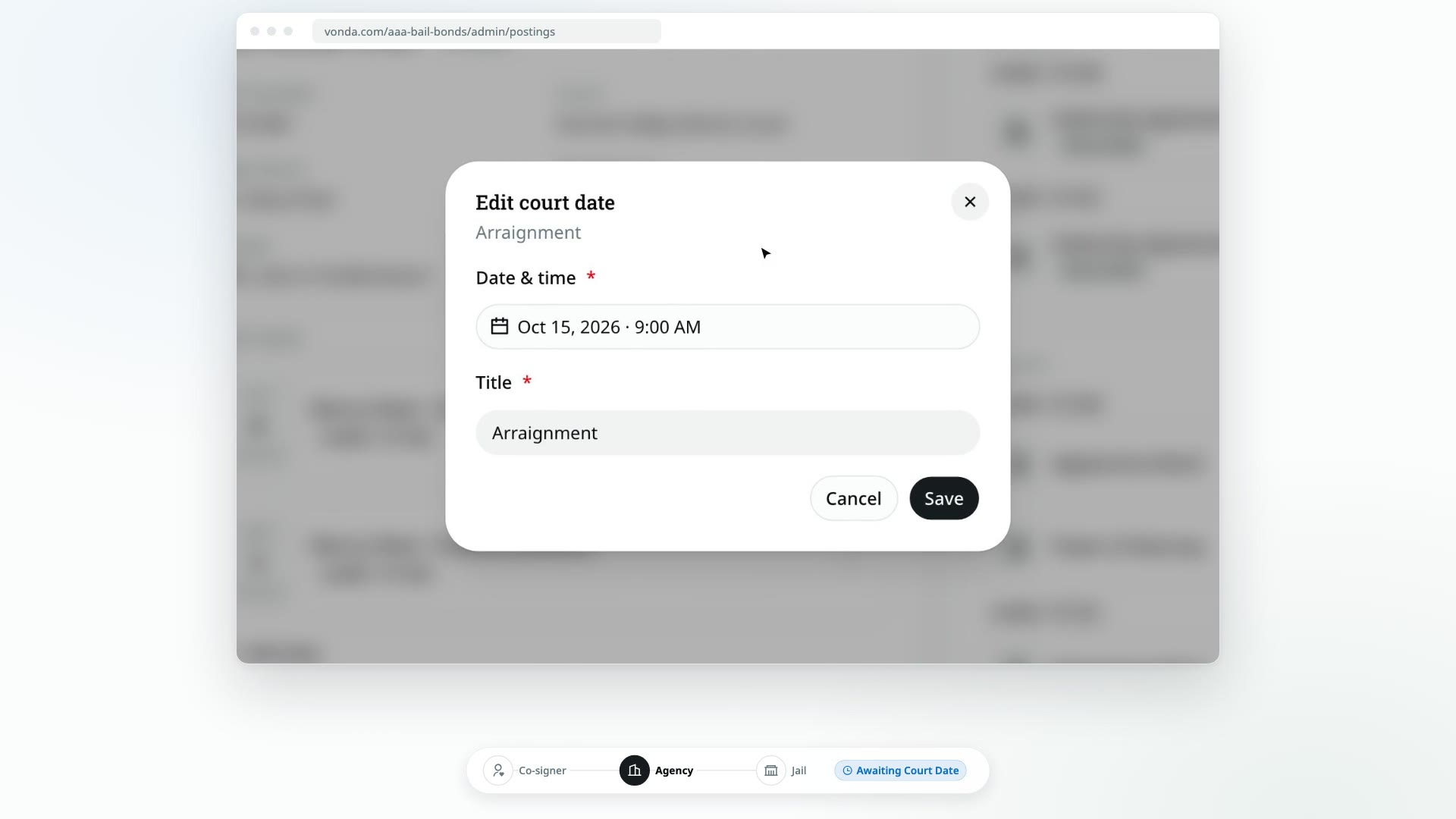
Click Edit. The Edit court date dialog opens with the current date, time and title.
Make your changes and save
Change the Date & time or the Title, then click Save.
Remove a court date
Open the date's menu
Find the court date and click the three-dot menu at its end.
Choose Remove
Click Remove. The Remove this court date? dialog explains what will happen.
Confirm
Click Remove.
What happens next
- When you edit a date, every co-signer is told about the change, even if you moved it into the past. Vonda drops the old reminders and schedules new ones for the new date: 30 days, 7 days and 1 day before, at 9:00 AM your agency's time.
- If you move a past hearing to a future date, any attended or missed mark on it is cleared, because it no longer applies.
- When you remove a date, every co-signer is told the hearing is off the calendar, and its reminders are cancelled.
Removing a court date can't be undone. If you remove one by mistake, add it again.